

Novu Connect
Connect your AI agent to every channel your users already use, Slack, Microsoft Teams, WhatsApp, Telegram, and email, through one API. One agent, one synced conversation, live in minutes.

- Contributors

Dima Grossman
- Details
Your AI agent can think. Now it can talk.
Novu Connect is live: the communication layer for AI agents. One agent, every channel your users already use, held together in one synced conversation, through a single API. You bring the agent. Connect handles identity, threading, and delivery.
Meet ACI: Agent Communication Infrastructure
Every wave of AI infrastructure solved one connection. MCP connected agents to tools. A2A connected agents to other agents. ACI connects agents to people.
Agent Communication Infrastructure is the layer that lets an agent hold a real, two-way conversation with humans on the channels they already use. Novu Connect is the first ACI layer. Learn about the category.

One agent, every channel
Reach your users on the surfaces they never close:
- Slack: channels and DMs, answering in-thread with full context.
- Microsoft Teams: the same agent inside the enterprise, with identity handled.
- WhatsApp: a real back-and-forth, not a no-reply blast.
- Telegram: fast, bot-friendly, community-native.
- Email: the universal fallback, same thread, same context.
Add a channel later, and your agent code does not change.

One conversation, not five bots
The hard part was never connecting a single channel. It was keeping one conversation coherent across all of them.
Picture it: a user starts in Slack this morning, follows up from WhatsApp at lunch, and closes the loop by email tonight. To your agent, it is one thread. Same memory, same context. They never repeat themselves.
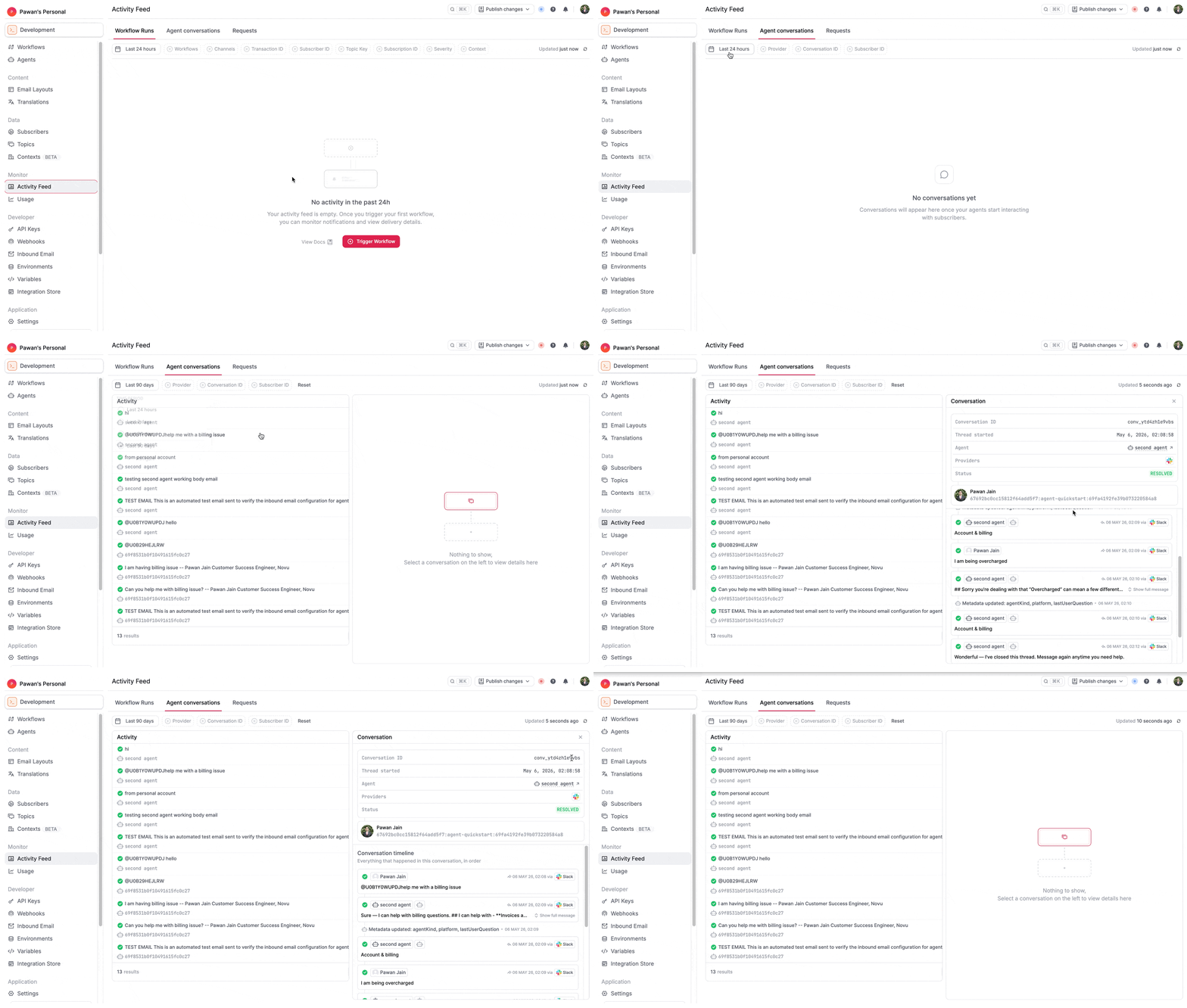
That is the part that single-channel connectors cannot do. Identity resolution and threading are handled for you, so the conversation follows your user across channels.
Live in minutes: three ways to start
Pick the path that fits how you work.
1. CLI. Run one command:
2. Agent-first. Paste a prompt where your agent already lives: "Add an agent to my app https://novu.co/agents.md". Sixty seconds later, your agent is live on a real channel, no account or API key required.
3. Dashboard. Set it up visually in the Novu dashboard.

Bring your own brain
The agent logic stays yours. Bring Claude or your own code, and Connect carries it across every channel. We never run your agent's brain. Claude Managed agents are supported out of the box, on a free tier.

Same infrastructure, now two-way
Connect runs on the same delivery infrastructure behind your Novu notifications. No new stack, no migration. The one shift: it carries two-way agent conversations, not just the outbound messages you already send.
Connect your first agent at novu.co/connect. This is day one, with more agent runtimes and channels on the way.